#### **Main info:**
- `[Trix]` -> that's me (@nekotrix), join [ AV1 weeb edition](https://discord.gg/83dRFDFDp7)
`Medalist` -> anime title, info on [ AniDB](https://anidb.net/anime/18030), [ MyAnimeList](https://myanimelist.net/anime/55318), [ AniList](https://anilist.co/anime/165171)
`S01` -> season number, following [ TheTVDB](https://www.thetvdb.com/series/medalist)'s scheme
`Batch` -> contains the complete season
- `BDRip` -> encode from a BD source (here JPBD via [ Salchow](https://nyaa.si/view/2069593))
`1080p` -> video resolution (1920x1080 @ 23.976 FPS)
`AV1` -> 📺 video format (Main + 4:2:0 + 10-bit = hardware friendly)
`Opus/AAC` -> 🔊 audio format (Stereo 2.0 @ 128kbps)
- `Dual Audio` -> 🔊 multiple audio tracks: **Japanese 🇯🇵, English 🇺🇸**
`Multi Subs` -> 📄 multiple subtitles tracks including: **English [Salchow], English (Forced) [Salchow], French [Trix], Spanish (Latin America), Spanish, German, Italian, Portuguese (Brazil), Portuguese, Chinese, Czech, Danish, Dutch, Finnish, Greek, Hungarian, Japanese, Japanese (SDH), Korean, Norwegian, Polish, Romanian, Slovak, Swedish**
`VOSTFR` -> keyword to denote the presence of french subtitles
***
#### **Misc info:**
**Encoding details:**
- Encoder: [SVT-AV1-Essential v4.0.1](https://github.com/nekotrix/SVT-AV1-Essential/): `--preset 2 --crf 25`
- Command Line Used:
```
for file in *.mkv; do SvtAv1EncApp -i "$file" --preset 2 --crf 25 --photon-noise 400 --min-keyint 65 --keyint 193 --scm 0 --enable-tf 2 --luminance-qp-bias 33 --fast-decode 1 --enable-dlf 3 --enable-alt-cdef 2; done
```
> **BD batch changes:** Video source with competent filtering (notably delowpassing), better subs, better naming, better chapters... Includes my French fansubs for E01-02, falls back to DSNP for 03-13 ; work has been stalling on E03 despite it being basically done, maybe one day we'll finish the season...
> **Tired of VLC acting up with Opus audio, with subtitles, with color rendition? We recommend the _MPV_ media player for the best playback experience ([TheWiki Guide](https://thewiki.moe/guides/playback/)). Always keep your software up-to-date!**
> **Direct Download Link:** [Episodes DDL, attachments download & more](https://animetosho.org/view/n2089333) on AnimeTosho
**Language Options**
You can [download here](https://mega.nz/folder/kcQhWZCA#c4wfvx2RXI9XN8XeBso09g) two scripts that do the following (Windows/macOS-Linux):
- *Keep Japanese*: Throws out all audio tracks other than Japanese
- *Keep English*: Throws out all audio and subtitles tracks other than English
Put all the video files into the *Language Options* folder and run the corresponding script. The resulting files can be found in the *output* folder.
Note: [MKVToolNix](https://mkvtoolnix.download/downloads.html) must be installed on your system
***
#### **Screenshots:**

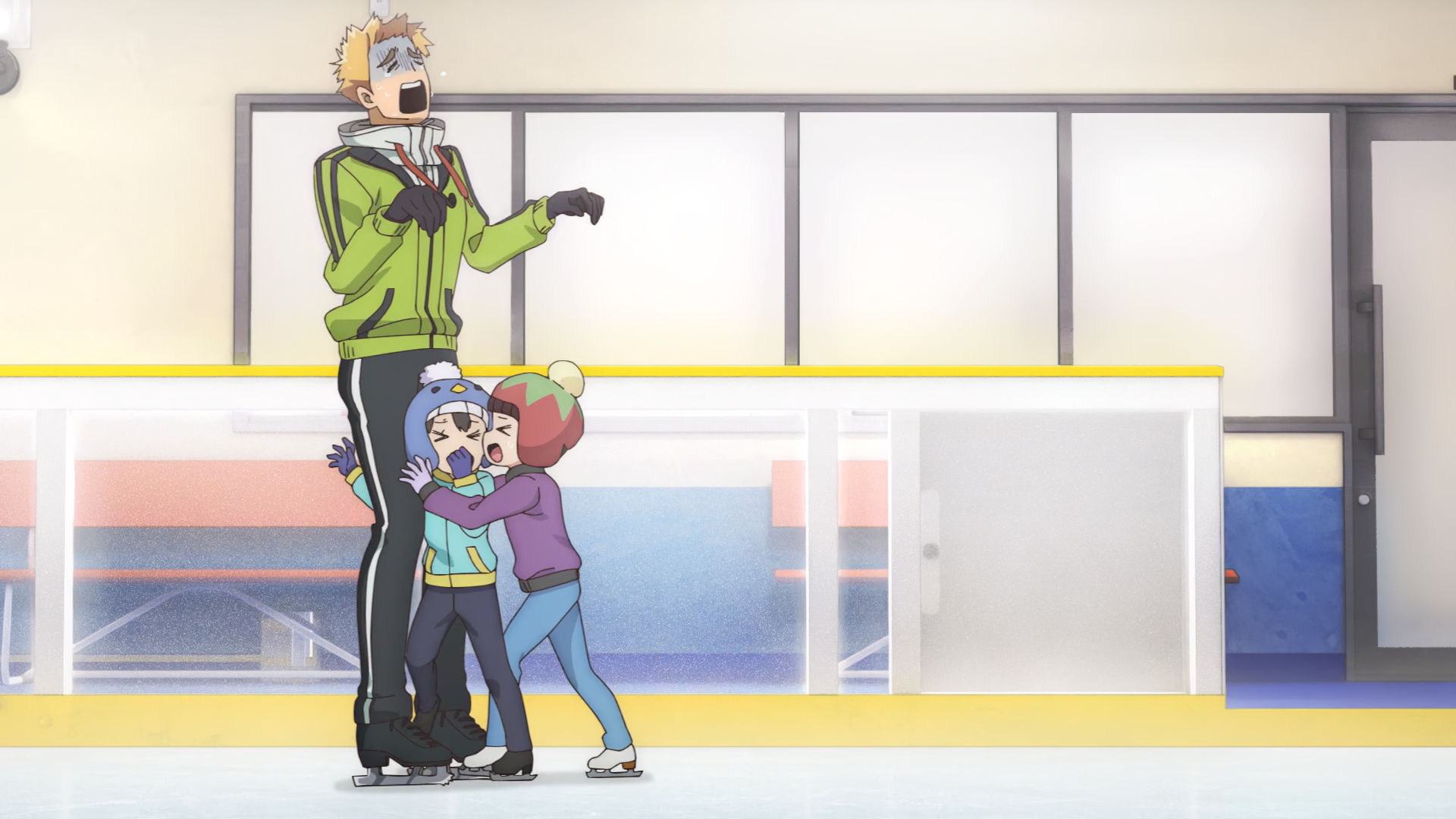

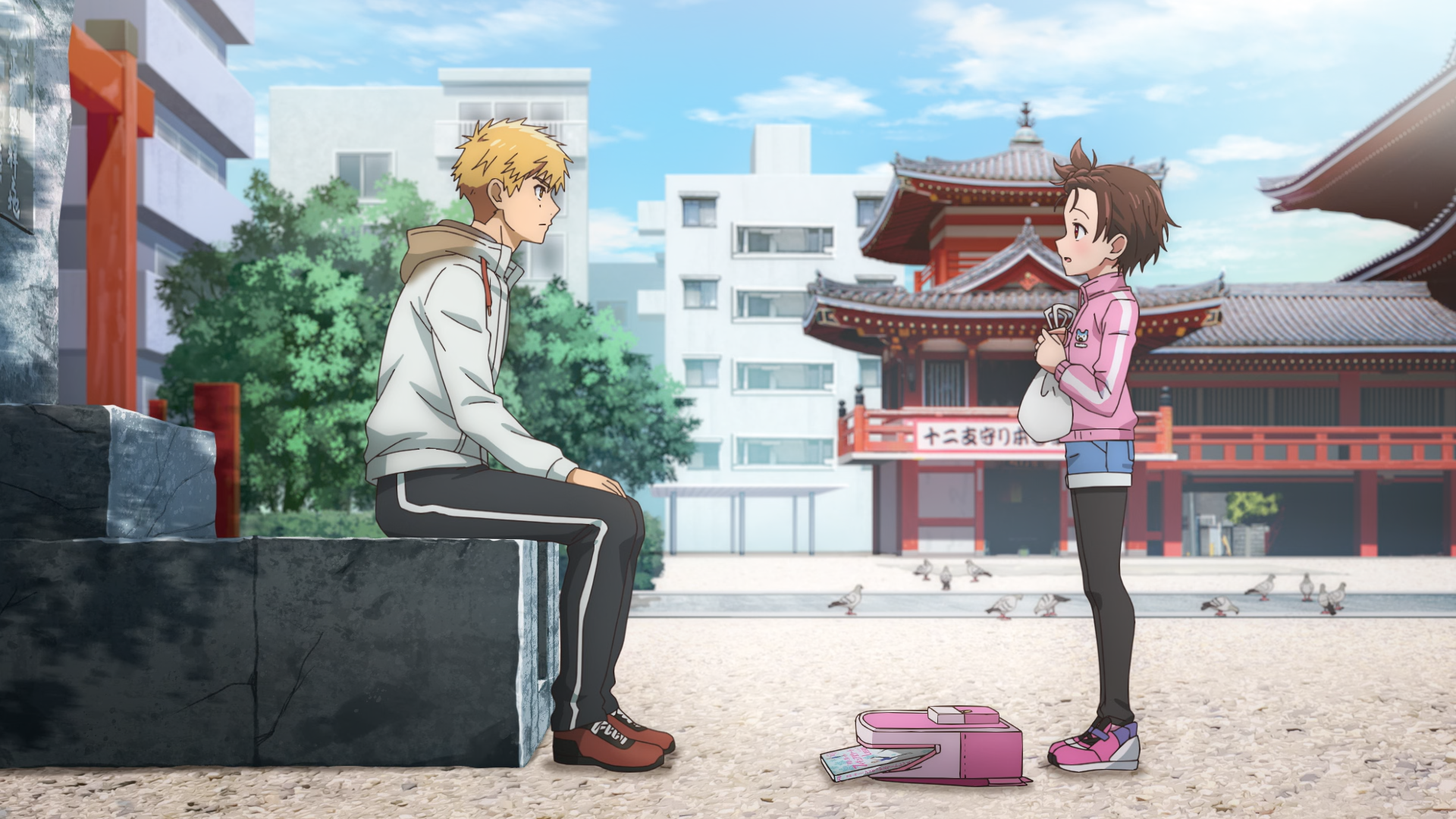
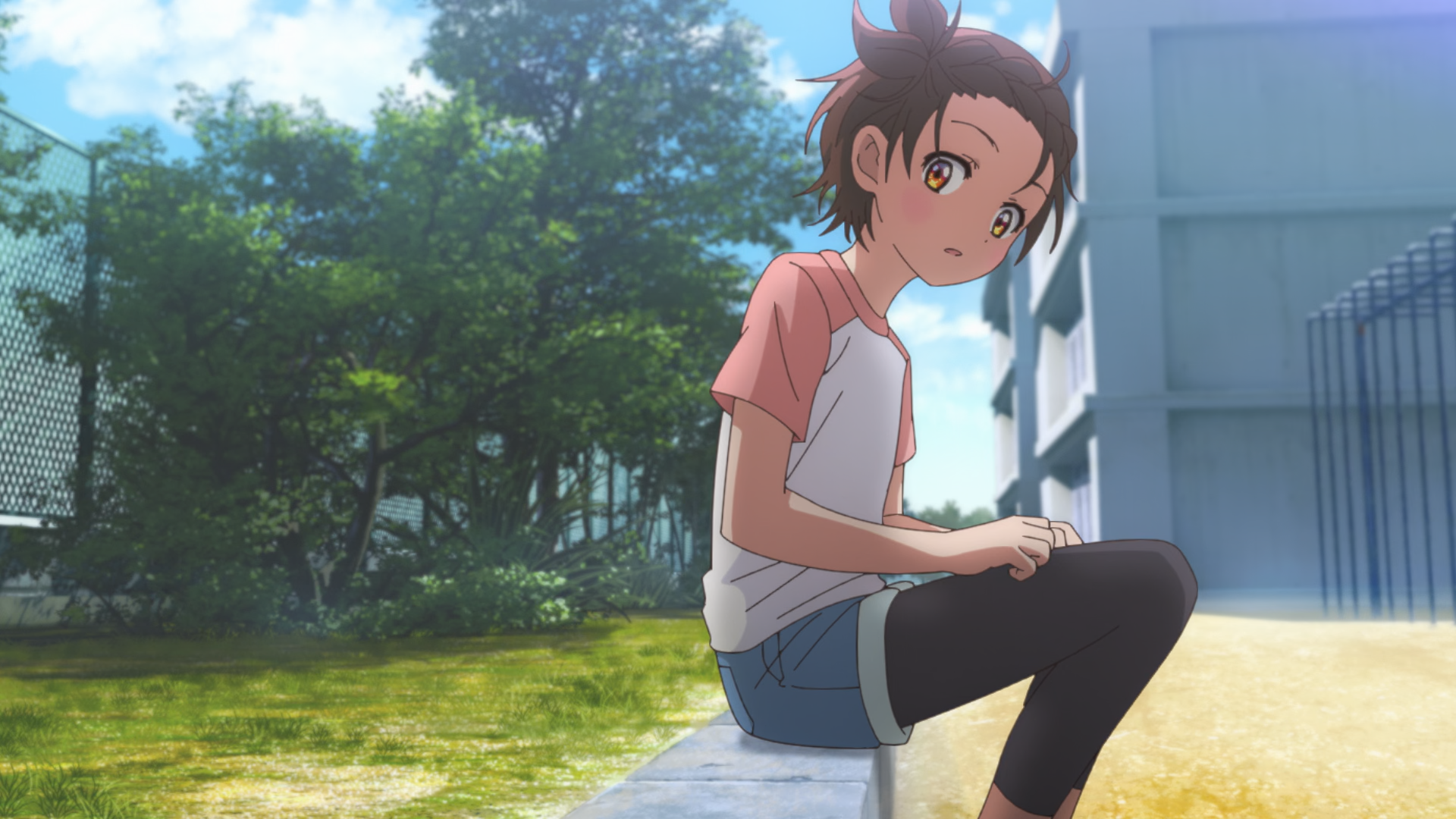
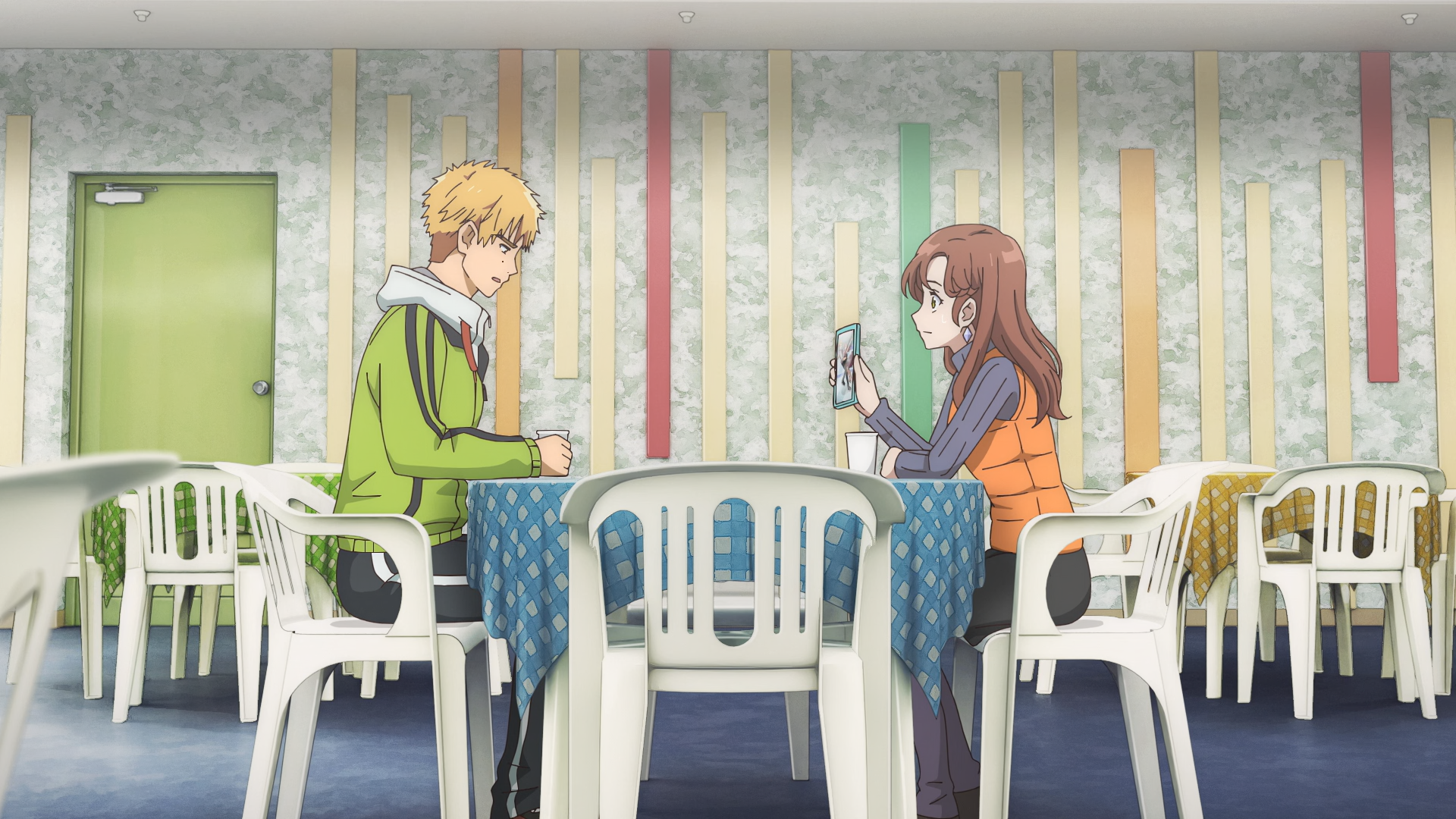

Comments - 0